
How to Scrape Every Store Location From Any Company's Website
3 patterns every store locator uses and how to extract data from each one.
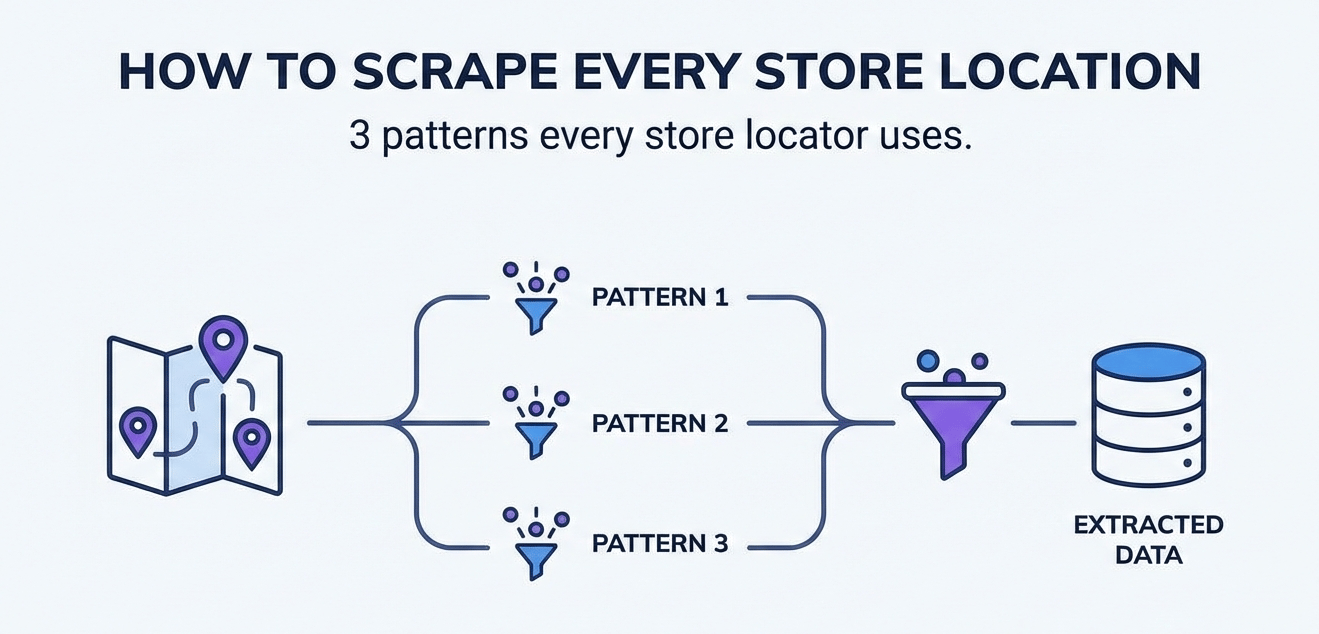
At Store Indexer, I am scraping new store locations every day. Store Indexer is REST API where anyone can query store locations of any company around the world — which means I need to collect location data from thousands of different company websites.
Most store locater webpages follow a few similar patterns.
Prerequisites:An IDE, I prefer PyCharm for Python
Python installed on your machine
Run
pip install requestsandpip install beautifulsoup4to install necessary packages.
A lot of companies list every store page in their sitemap, which makes scraping fairly easy.
Check the company's /robots.txt file. Most websites have one, and it usually points you to the sitemap. For example, navigate to https://target.com/robots.txt and you'll see several sitemap indexes listed. Look for any related to stores, in Target's case it's https://www.target.com/sitemap_stores-index.xml.gz. That sitemap index contains a store sitemap at https://www.target.com/sl/sitemap_0001.xml.gz .
That sitemap will contain URLs for every individual store page on their website.
Here's a quick scraper to pull all those store URLs:
# sitemap_scraper.py

import requests
from bs4 import BeautifulSoup

def get_store_urls(sitemap_url: str) -> list[str]:

    res = requests.get(sitemap_url)

    soup = BeautifulSoup(res.text, "xml")

    urls = list(set([x.text for x in soup.select("loc")]))

    return urls

urls = get_store_urls("https://www.target.com/sl/sitemap_0001.xml.gz")
print(f"Found {len(urls)} store URLs")
Now you have a list of every store URL. From here, you can scrape each page for location data.
Like Target, not every sitemap is a single file. Sometimes the robots.txt points to a sitemap index, which then points to several sub-sitemaps. You can just follow the chain until you find the actual store URLs.
The sitemap approach is great when it's available, but a lot of companies don't include store pages in their sitemaps. That's when you move on to Pattern #2.
Pattern #2: The Backend APIThis is the pattern I use most often for store locations, and just web scraping in general. Almost every store locator on the internet fetches its data from a backend API. The map and list you see on the page is just a frontend rendering data that came from an API request behind the scenes.
To find the API, open the store locator page in your browser and open DevTools (right click -> Inspect). Go to the Network tab and filter by "Fetch/XHR". Now interact with the store locator. Type in a zip code, click search, whatever it wants you to do. Watch the network requests that fire off.
You'll usually see a request to an endpoint that returns JSON with store data — addresses, coordinates, phone numbers, hours. That's the endpoint you want.
Right click on the request -> Copy -> Copy as cURL. Then head to curlconverter.com and paste it to get a nicely formatted Python script.
Here's what a very simple backend API scraper might look like:
# store_api_scraper.py

import requests

def scrape_store(store_id: str) -> dict:

    params = {
        'store_id': store_id,
    }

    response = requests.get(
        'https://api.example.com/stores',
        params=params
    )

    data = response.json()
    return data
Before you start adding cookies and auth tokens to your request, try without them first. Strip out the cookies, strip out anything that looks session-specific, and see if the API still returns data. Many store locator APIs don't require any authentication at all. The less you need to send, the more reliable your scraper will be.
Whenever possible, scrape the API, not the web page. Don't build a complicated Selenium or Puppeteer script when you can just ping an endpoint and get clean JSON back. Querying backend endpoints is almost always more reliable than parsing HTML or running a browser. I wrote about this in more detail in my guide on how to approach every web scraping project.
Pattern #3: The Zip Code SearchThis pattern can sometimes be tricky. Some store locators don't have a sitemap with store pages, and their API only returns results near a specific location. You search for a zip code, and it maxes out at returning the 10 nearest stores.
The strategy here is to query the API with a list of zip codes that covers the areas you need.
With Google and/or ChatGPT, you can generate a CSV with the zip codes and coordinates of the areas you want to search. From there, you can feed that in to a scraper.
Here's what that looks like:
# zip_code_scraper.py

import csv
import requests

def load_zip_codes(csv_path: str) -> list[str]:
    with open(csv_path, "r") as f:
        reader = csv.DictReader(f)
        return [row["zip"] for row in reader]

def search_stores_by_zip(zip_code: str) -> list[dict]:

    params = {
        'zip': zip_code,
        'radius': '50',
        'limit': '50',
    }

    response = requests.get(
        'https://api.example.com/store-locator',
        params=params,
    )

    data = response.json()
    stores = data.get("stores", [])
    return stores

def scrape_all_stores(csv_path: str) -> list[dict]:
    zip_codes = load_zip_codes(csv_path)

    # Loop through each zip and note each unique store_id to avoid duplicates
    all_stores = {}
    for zip_code in zip_codes:
        stores = search_stores_by_zip(zip_code)
        for store in stores:
            store_id = store.get("id")
            if store_id not in all_stores:
                all_stores[store_id] = store

    print(f"Found {len(all_stores)} unique stores")
    all_stores_list = list(all_stores.values())
    return all_stores_list
A few tips for this approach:
Set a large enough radius: If the API lets you specify a search radius, turn it up until you find the limit. The wider the radius, the fewer zip codes you need to cover every store.
Deduplicate by store ID: Overlapping search radiuses will return the same stores multiple times. Use a Python set keyed by store ID to avoid duplicates.
You don't need every zip code: If you're using a 50 mile radius, you can skip zip codes that are close together. Spread them out geographically and you'll get full coverage with way fewer requests.
In my experience building Store Indexer, Pattern #2 is the winner about 70% of the time. Most companies have a straightforward backend API powering their store locator, and once you find the endpoint, scraping it is easy.
Let Store Indexer Handle it For YouIf you don't want to build and maintain scrapers, that's exactly why I built Store Indexer. It's a simple REST API where you can query store locations for any company.
I hope you found this guide useful! Reach out to me at joe@storeindexer.com if you have any questions or want to get in touch :)